
AWCC
Afghan Wireless
Mobile & broadband

Explore unforgettable places, stories and experiences from across Afghanistan.




Afghan Wireless
Mobile & broadbandFormerly MTN Afghanistan
Formerly MTNRoshan Afghanistan
eSIM availablee& Afghanistan
eSIM availableSalaam Network
3G networkAfghanistan has several mobile network providers offering SIM cards, mobile data and voice packages. Coverage and speeds vary by location, terrain and network. Check your planned route with a provider before choosing a SIM.
MTN now operates as ATOMA; Etisalat’s current brand is e& Afghanistan. The best choice depends on coverage where you will travel.
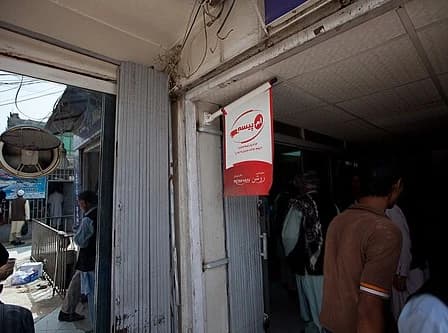
Visit an official provider store or authorised retailer. Ask which network works along your route and confirm the SIM price before buying.
Bring your passport and ask the provider about current identity, photo and visitor registration requirements. Register the SIM in your own name.
Compare data, validity and renewal terms. Add enough credit and activate through the provider’s supported app, short code or store.
Ask staff to check activation and internet settings on your unlocked phone. Test your connection before leaving the store.
Official store and registration information (e&) (opens in a new tab)
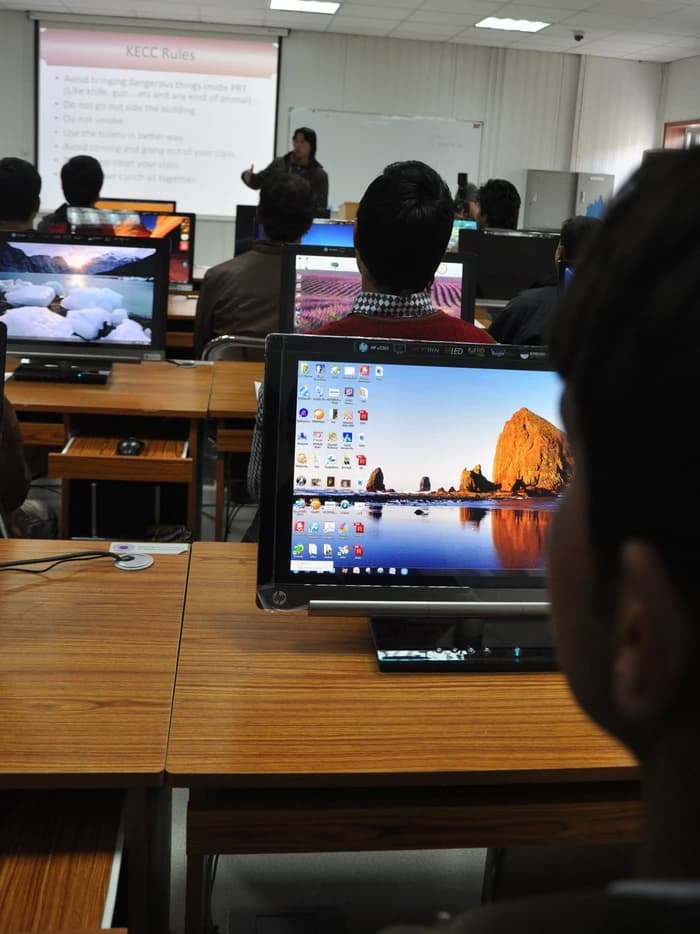




A few practical things to keep in mind when staying connected in Afghanistan.
Signal and speeds vary along each route. Ask your provider and accommodation about local coverage; plan for stretches without a reliable connection.
Ask your hotel or guesthouse whether Wi-Fi is available, what it costs and how reliable it is. A home internet package is a separate service from a mobile data bundle.
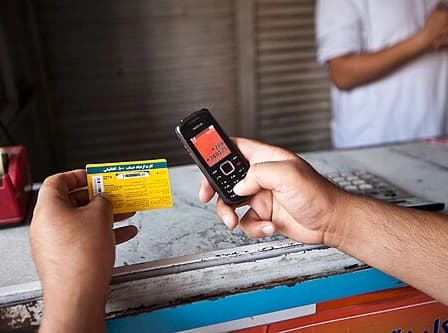
Use authorised shops or your network’s supported app and recharge channels. Adding credit and activating a data bundle may be separate steps; check your balance afterwards.
Roshan and e& advertise local eSIM services. Check phone compatibility and registration requirements first. e& directs customers to a flagship store for the activation QR code.
e& eSIM information (opens in a new tab)Download maps, accommodation details and important contacts before setting out. Save essential documents offline so you can access them when the connection is unavailable.
Bring an unlocked phone, confirm network compatibility and ask for the correct internet settings. Review auto-renewal and turn off unwanted roaming on your home SIM.
